Chaos Corona
Photorealism made easy.
Be an artist, not a technician, and achieve photorealism with greater ease than with the competition.
Unmatched photorealism with Corona.
Create stunning architectural visualization effortlessly.
Corona Solo - annual license
Industry-leading photorealistic rendering
€ 487,50 + VAT / year
√ Easy to use. Made with Archviz in mind
√ Unmatched photorealism
√ AI image enhancement
√ Cloud collaboration & virtual tours
Corona Premium - annual license
Advanced simulations and image sequence player
€ 591,24 + VAT / year
√ Smoke, fire, liquid and other effects
√ 3,100 + customizable scanned materials
√ Professional image sequence player
√ Advanced FX
ArchViz Collection: Corona edition (named, annual)
Your ultimate visualization toolkit
€ 918,84 + VAT / year
√ High-quality scene exploration in real time
√ 15,000+ render ready assets and materials
√ Smart animation, crowd and traffic simulation
ArchViz Collection: Corona edition (floating, annual)
Your ultimate visualization toolkit
€ 1168,44 + VAT / year
√ High-quality scene exploration in real time
√ 15,000+ render ready assets and materials
√ Smart animation, crowd and traffic simulation
Easy to use
Learn quickly, create effortlessly
Most new users learn Corona in just one day, and fall in love with it in two.
Start creating beautiful renders instantly. No complex setup required.
A clean, straightforward UI means less guesswork and faster results.
Design faster with powerful tools like Tile Map, procedural clouds, Scatter, and more.
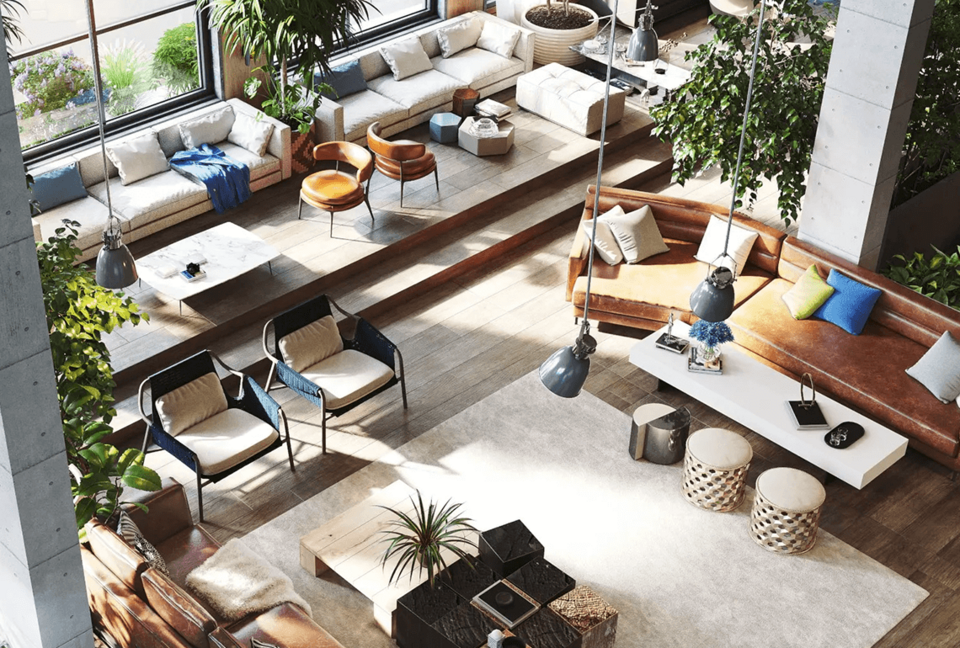
Stunning photorealism - Because “good enough” doesn’t cut it
Corona delivers predictable, reliable, and physically plausible results with no compromises in quality.
Achieve unmatched realism with Corona’s industry-standard PBR materials.
Polish your renders to perfection with the post-processing tools within Corona.
Simulate realistic light refractions and reflections with physically accurate caustic rendering.
Effortless scene creation - Bring your scenes to life instantly
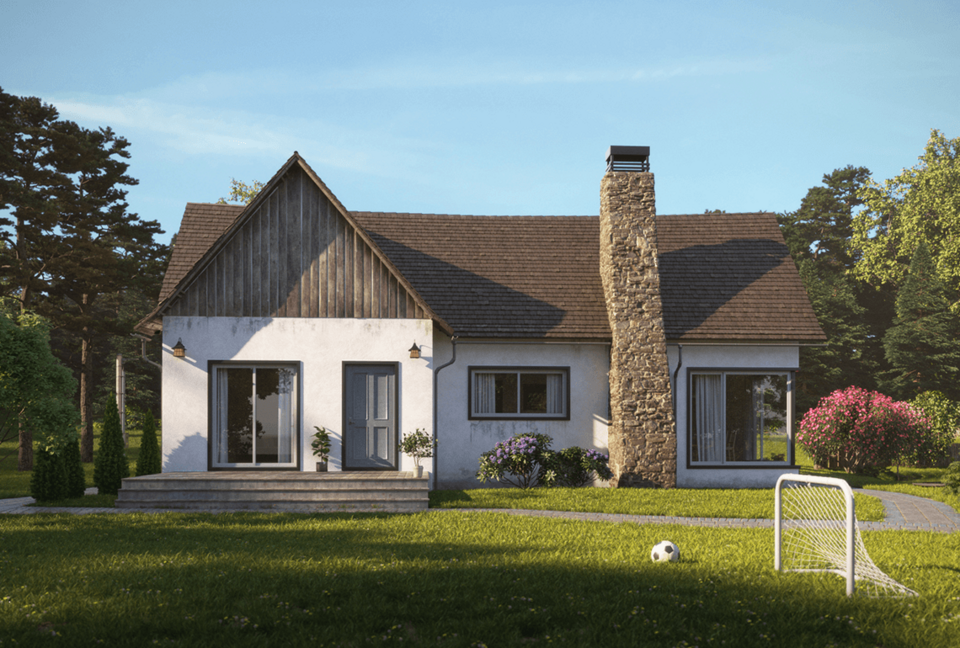
From models and assets to versatile features, Corona comes with everything you need to build your scene.
Explore 13,000+ high-quality assets alongside a diverse selection of beautiful HDR skies.
Create lifelike renders with 3,000+ ultra-realistic scanned materials.
Populate your scene in an instant—one click is all it takes with Chaos Scatter.
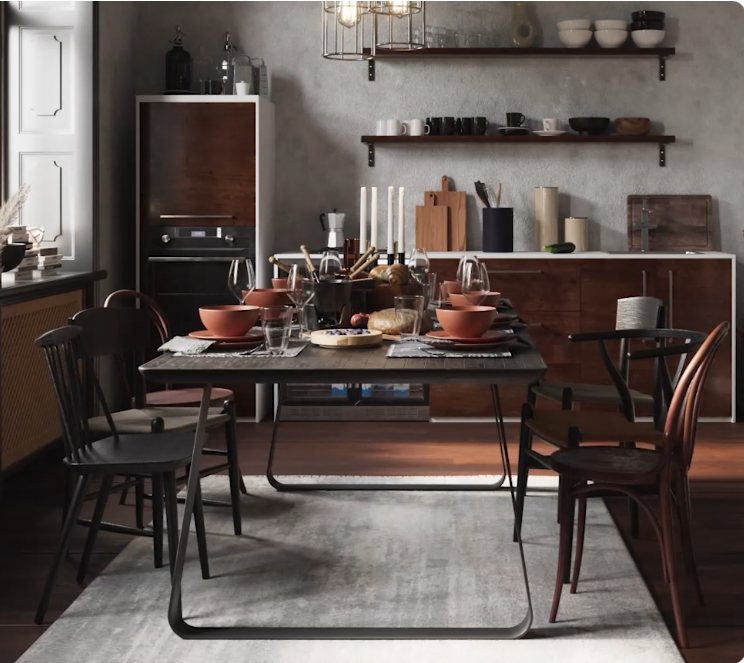
Seamlessly integrated - Work how you want, where you want
Corona is tightly integrated into 3ds Max and Cinema 4D, and is compatible with popular third-party plugins.
Built right into Autodesk 3ds Max and Maxon Cinema 4D for a smooth workflow.
Easily exchange scenes between Corona and other Chaos tools and renderers.
Continue using your favorite plugins and workflows—Corona plays well with others.

AI-powered creation - Use AI as your creative partner.
Leverage powerful AI tools to accelerate the creation of materials and scenes.
Transform any real-world surface photo into a seamless, render-ready PBR material – automatically.
Add realism and detail to supporting elements like foliage, people, and terrain.
Upscale render outputs 2x or 4x in one click, enhancing resolution and sharpening textures.
Key Features:
1. Realistic Rendering:
- V-Ray is renowned for its ability to produce photorealistic images. It simulates real-world lighting, materials, and cameras to create highly accurate visuals.
2. Advanced Lighting and Shading:
- V-Ray offers sophisticated lighting models, including global illumination, caustics, and advanced shadowing techniques. Its shading system supports complex materials like glass, metal, and skin.
3. Flexible Rendering Options:
- Users can choose between CPU and GPU rendering, allowing for efficient use of hardware resources and faster rendering times. V-Ray’s distributed rendering capabilities also enable the use of multiple machines to speed up the process.
4. Post-Processing Tools:
- It includes integrated tools for adjusting colors, exposure, and other image settings directly within the V-Ray Frame Buffer, streamlining the post-production process.
5. Customizable and Scalable:
- V-Ray’s modular nature allows for customization and scalability. It can be tailored to fit different production needs, from small-scale projects to large, complex scenes.
6. High-Quality Output:
- V-Ray supports high dynamic range imaging (HDRI) and can produce images at extremely high resolutions, making it suitable for both detailed close-ups and wide-angle shots.
7. Community and Support:
- It has a strong user community and extensive documentation. Users can find a wealth of tutorials, forums, and support resources to help with troubleshooting and learning.
Applications:
• Architecture and Interior Design:
- V-Ray is widely used to create realistic architectural visualizations and interior design renders, helping clients visualize spaces before they are built.
• Film and Animation:
- In film and animation, V-Ray’s advanced rendering capabilities are used to create detailed environments, characters, and visual effects.
• Product Design:
- Product designers use V-Ray to create accurate representations of their products, including realistic lighting and material finishes.
Chaos Corona: Industry-leading design and visualization software. Explore beyond boundaries with the latest version.
F.A.Q
Can I try a SketchUp subscription before I buy it?
Yes indeed – download the latest version HERE and log in with your Trimble ID (TID) account to start your 7-day trial period. Remember, each person can only create one Trimble account.
Can I use the program on multiple computers at the same time after purchasing a SketchUp subscription?
A SketchUp subscription is tied to a specific user’s Trimble ID account, which allows you to activate the subscription on two computers at the same time. V-ray rendering would only work on one computer at a time.
Is it possible to upgrade my SketchUp Pro subscription to Studio?
An active SketchUp Pro subscription can be upgraded to Studio by paying the difference in price. You would have to pay extra only for the remaining days of the subscription, proportionally.
Can I have multiple Trimble accounts active on one computer?
Only one Trimble account can be active per computer. Changing computer users will require changing Trimble accounts. Individual profiles can be created in the 3D Warehouse environment independently of Trimble.
Do I need an internet connection to use my SketchUp subscription?
When you first activate your SketchUp subscription, you must have an Internet connection. Further, in order not to deactivate the account on a specific device, it is necessary to connect to the Internet once a month.
Will I still be able to access my SketcUp models after my subscription ends?
After the subscription ends, the editing features and services associated with it will no longer be available, but the models will be available with the free version of SketchUp Free.
What happens to all SketchUp plugins when my subscription ends?
As plugins are not available in the Free version of SketchUp, you will only be able to continue using them after you renew your subscription. Add-ons will remain in your paid subscription.
What happens to LayOut documents after the subscription expires?
LayOut will not work without an active subscription and the user will not be able to open or edit their LayOut documents. The user should remember to save them in time in older versions or in PDF format.
After my subscription ends, will I still be able to access my data from Trimble Connect?
At the end of the subscription, the Trimble Connect account will return to free mode, allowing the user to continue to use the 10 GB of allocated cloud space. Any data above the 10GB limit will be available in read-only format.
Can I transfer my SketchUp subscription to another Trimble user account?
Only in cases where the employee terminates the employment relationship, the account associated with him can be transferred to another account. To do this, please contact us.